5 Ways AI Agents Can Help You Write Reports

Posted on Feb 22, 2025

AI agents can streamline report writing by automating tedious tasks, improving accuracy, and saving time. Here’s how they help:

Figure 1: Retrieving files and emails with Microsoft365 Copilot
Traditionally we could only search for files based on their filename. But with AI we search and retrieve documents based on context, reducing manual search time.
“Find me the meeting notes where we discussed AI polic.”

Figure 2: Perplexity AI’s Deep Research
AI searches multiple sources, summarising key findings and compiling structured references.
“Research what percentage of companies in Perth, Western Australia are using AI already.”
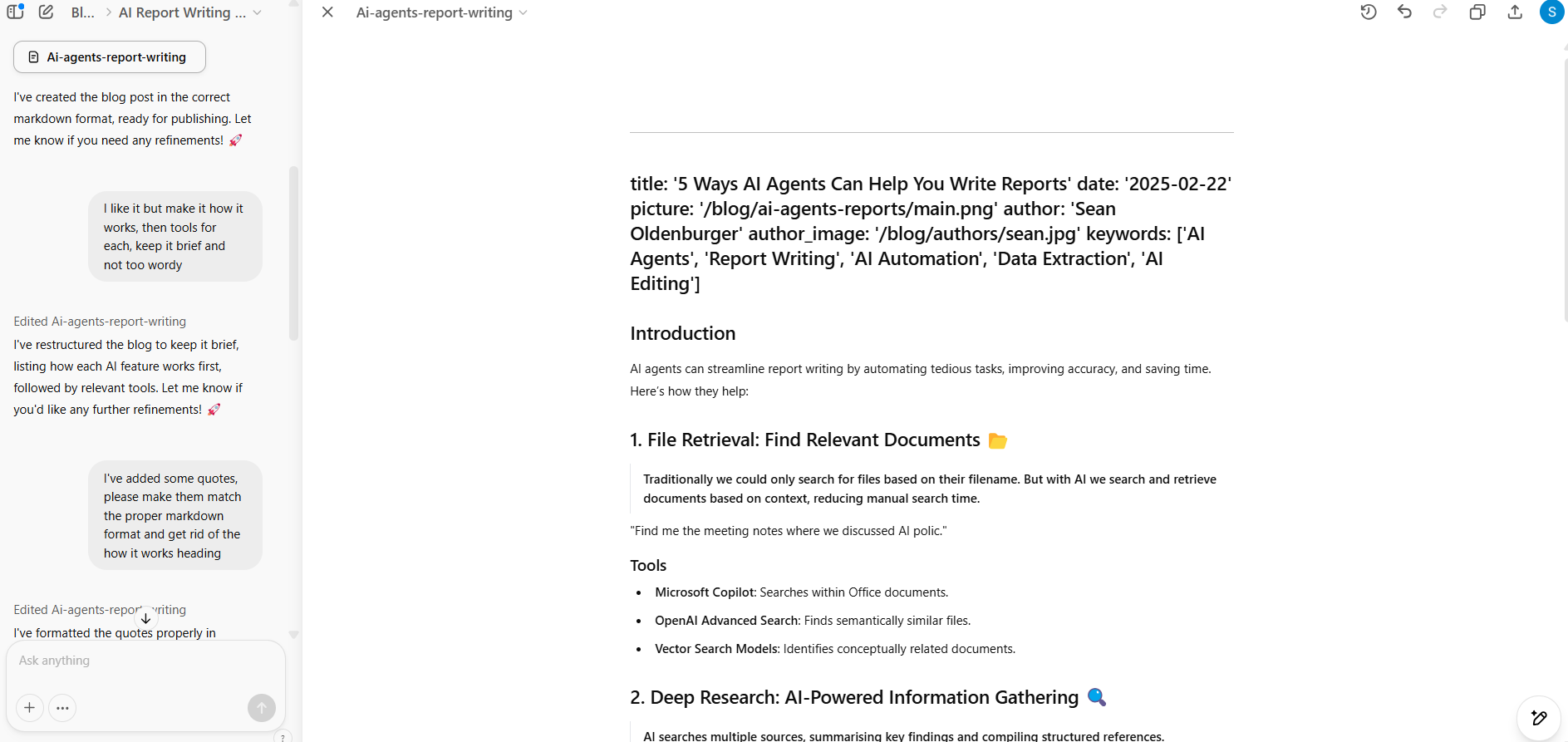
Figure 3: Editing a report with ChatGPT Canvas
AI refines grammar, enhances tone, and structures content for readability.
“Reword this sentence for me”

Figure 4: Data extraction with Copilot in Microsoft Edge
AI processes large datasets, extracts relevant information, and structures findings.
“Extract the company names, addresses and phone numbers of all AI companies in Perth, Western Australia.”
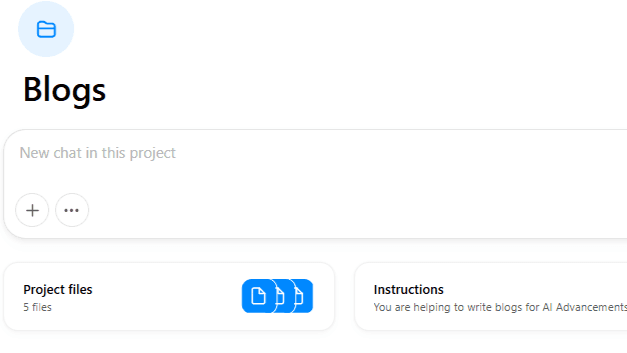
Figure 5: Create reports from your examples with OpenAI projects
Upload your files to OpenAI projects or custom GPTS and get AI to mimic your writing style by learning from past reports and set instructions.
“Generate a draft proposal based on the style and format of my existing proposals.”
AI agents handle research, editing, data extraction, and content generation, letting you focus on analysis and insights. Start integrating AI into your workflow today!
If you’re considering AI but aren’t sure where to begin, get in touch.