Brief
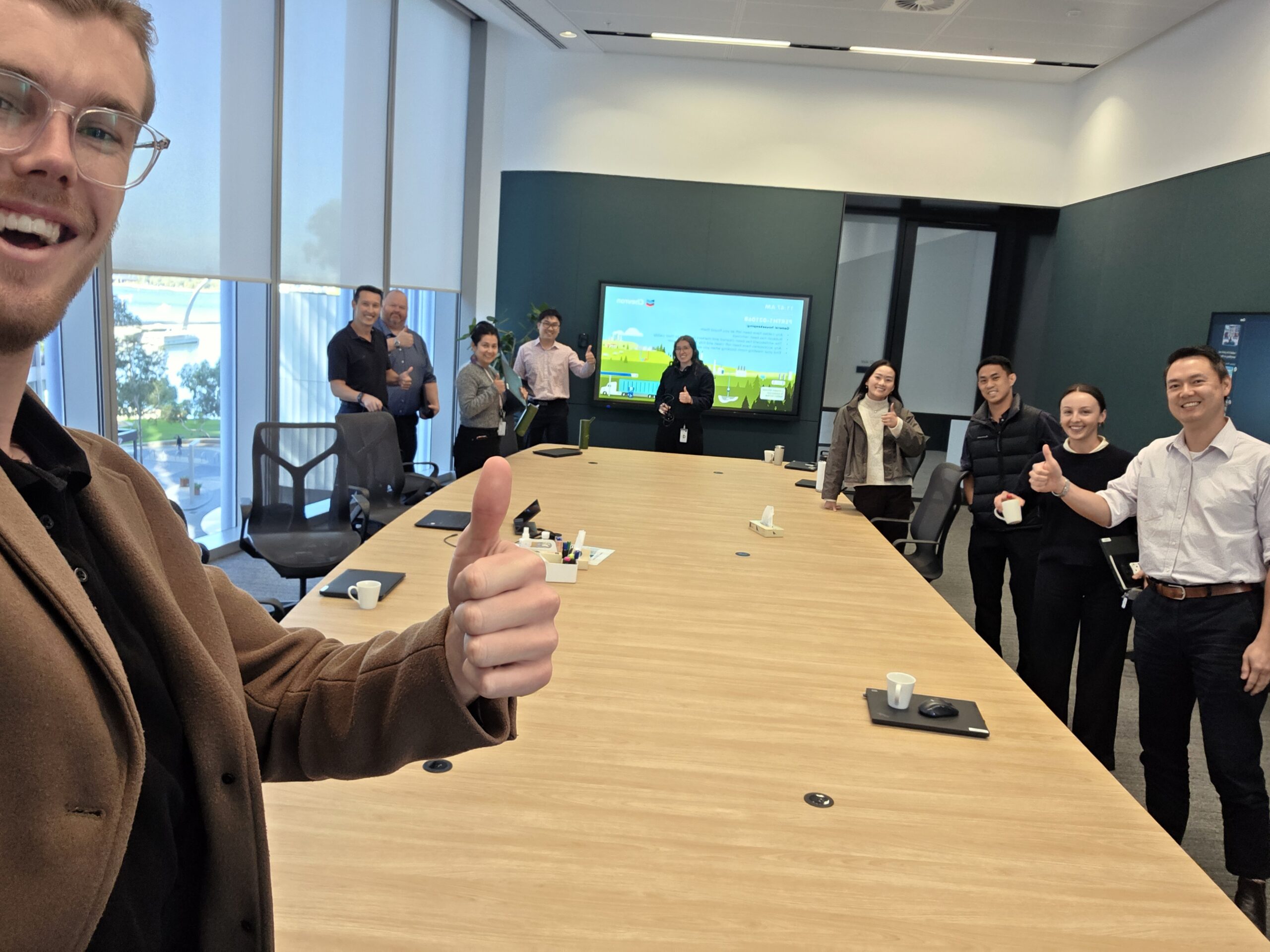
Base Resources had purchased Microsoft 365 Copilot licences for their team, drawn by the data privacy and the integration with the tools their people already live in, Word, Teams, Outlook. Then the familiar problem hit: no training came with the licences, staff weren’t sure how to actually operate Copilot, and adoption flatlined. We ran three focused one-hour training sessions with the Base Resources team, taking them from confused to capable. Each session demystified the Copilot ecosystem, went deep on the specific Copilots inside each Office application, and finished hands-on, with every participant building their own AI agent, wiring it into Teams and connecting it to their SharePoint files.
Problem
Buying Copilot licences is the easy part. Most organisations discover the hard part after the purchase order clears: the licences arrive, no real enablement comes with them, and staff are left to figure it out alone. Usage stays low, the spend looks questionable, and a tool that should be saving hours becomes a line item nobody can defend. Copilot makes this harder than it should be, because Copilot isn’t one thing, it’s a family: Copilot in Word, Copilot in Teams, Copilot in PowerPoint, Microsoft 365 Copilot itself, each with different capabilities and different strengths. Without someone to map the ecosystem, staff don’t know which Copilot does what, where the boundaries sit, or how to feed it the emails, files and meetings that make its answers actually useful. Base Resources didn’t need more licences or another vendor pitch. They needed their people trained.
Solution
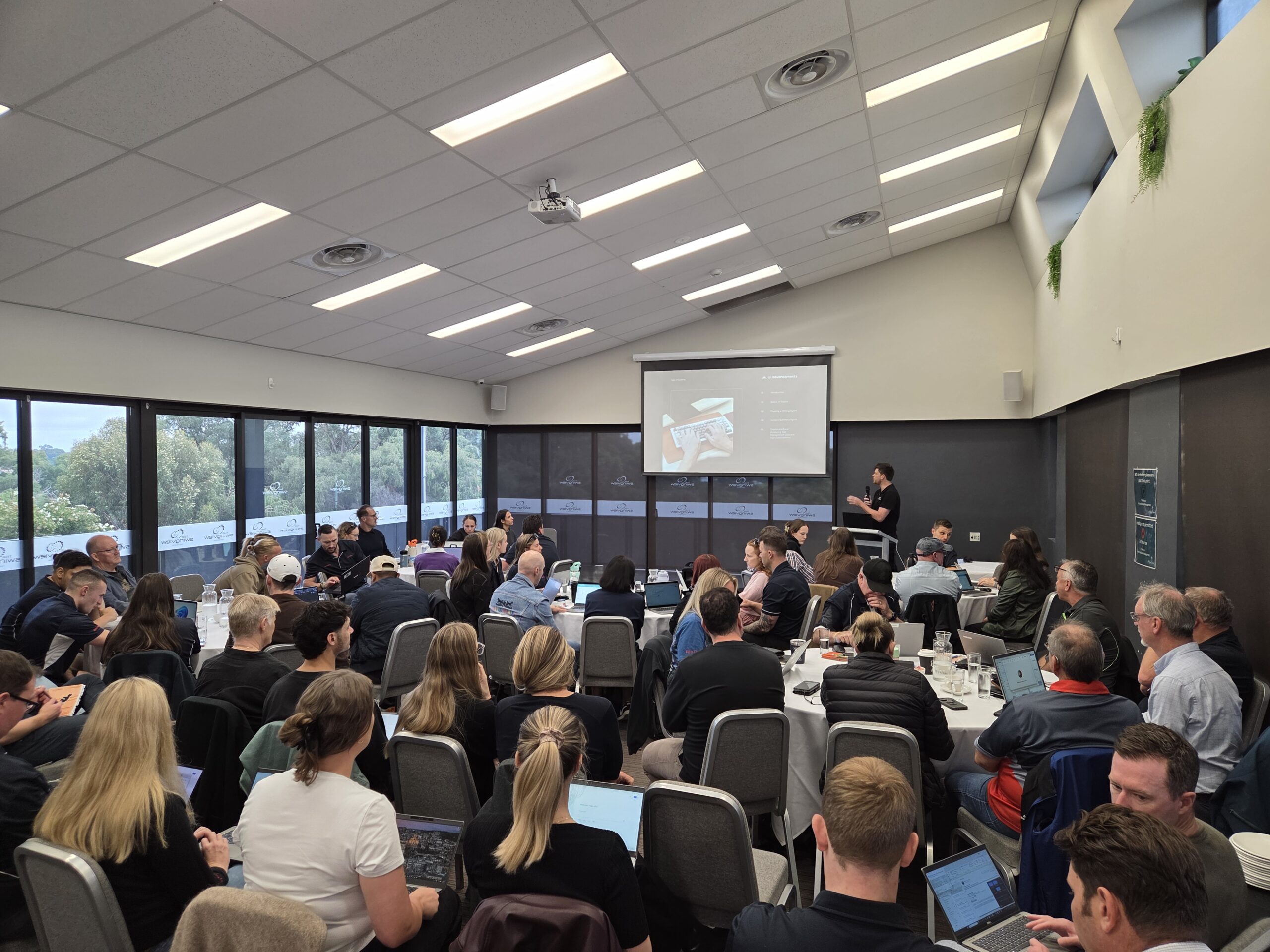
We delivered three one-hour training sessions covering the Copilot ecosystem end to end. Each session opened by untangling the ecosystem itself, showing how the different Copilots relate and the common functionality they all share, then went deep into each application: editing and drafting in Word, generating slides in PowerPoint, automatic meeting capture in Teams, and more. Every session closed hands-on, with participants building their own custom agents under live guidance.
- The ecosystem, finally explained: staff learnt that Copilot is a collection of tools, not one, and exactly which to use for which job, removing the confusion that kills adoption
- Full capability coverage per application: a deep dive into what each Copilot can genuinely do, so staff stopped using 10% of a tool they were paying 100% for
- Context is the skill: participants learnt how to bring emails, files and meeting notes into Copilot to guide its output, the difference between generic answers and useful ones
- Built their own agents on the spot: every participant created a working AI agent, integrated it with Teams, gave it custom instructions and connected it to SharePoint files, with hands-on help in the room
- Short, sharp format: three one-hour sessions that fit around real workloads, not a full day off the tools

Figure 1: Understanding the Copilot ecosystem.
Result
The Base Resources team left with a working command of the Copilot ecosystem, knowing which Copilot to use in each Office application and how to feed in emails, files and meeting notes to get genuinely useful output. The licences that were sitting idle now have trained operators behind them. The sessions also opened the next door: staff didn’t just learn the out-of-the-box features, they built working custom agents during the session, integrated with Teams and connected to SharePoint, giving Base Resources a genuine starting point for agents tailored to their own workflows.
Under the Hood
| Industry | Mining / resources |
| Format | Three one-hour Microsoft 365 Copilot training sessions |
| Tools Covered | Microsoft 365 Copilot, Copilot in Word, PowerPoint, Teams and Outlook, custom agent building |
| Delivery Style | Ecosystem overview, per-application deep dives, hands-on agent build with live guidance |
| Integration | Agents built in-session with custom instructions, Teams integration and SharePoint file connections |