The question we hear most from business owners is: where do I actually start with AI?
Most businesses already have work that AI handles well. It’s usually the repetitive, document-heavy tasks that someone on the team has been doing by hand for years.
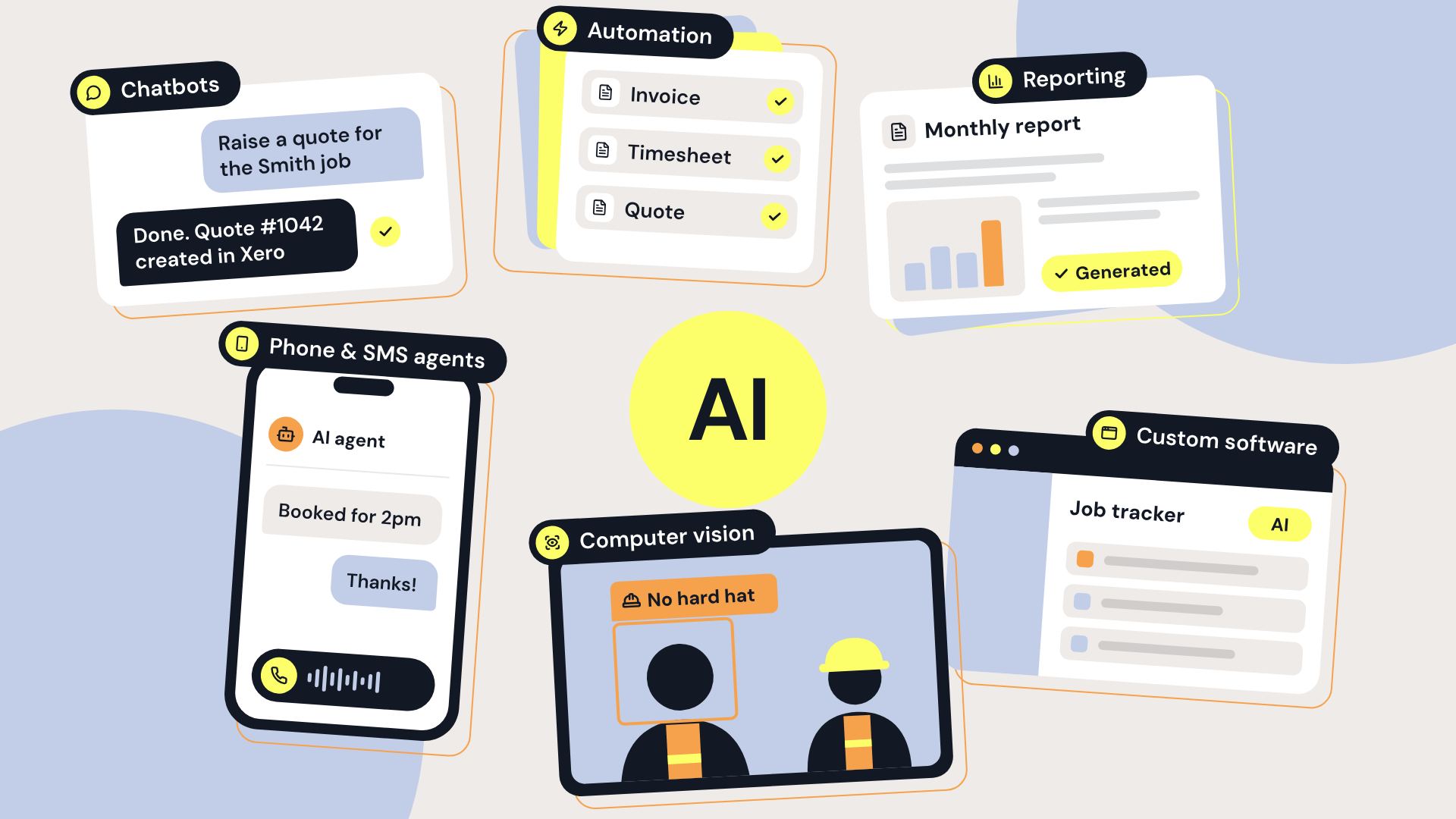
Below are the six areas where we see AI doing the most useful work, with real examples from projects we’ve delivered.
Chatbots that work inside your business
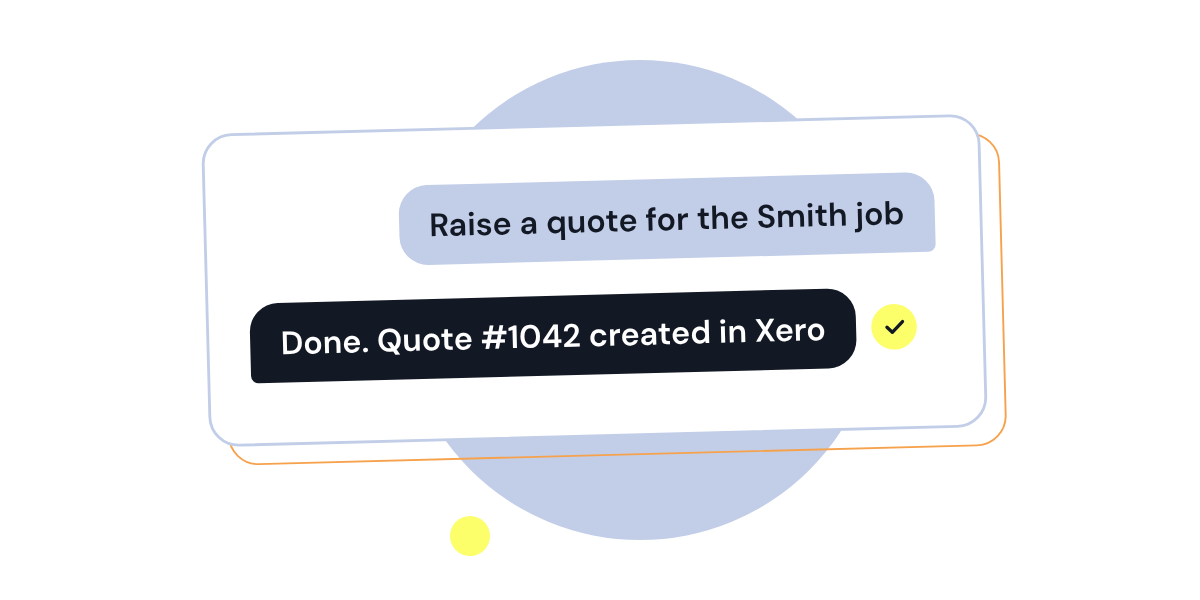
Most people’s experience of chatbots is a website pop-up that can answer basic questions and not much else. A useful chatbot is trained on your own documents and data, gives answers your team can trust, and can take action in your systems.
It doesn’t have to live on your website. It can sit in Microsoft Teams or whatever tool your team already uses.
Examples from our clients:
- SettleIQ: five WA settlement agencies share one assistant trained on their own documents and current Landgate and RevenueWA content. It answers hundreds of property law questions a week and cites its source for every answer. Read the case study
- Curtin University: a chatbot for international research students that answers in any language and links to the official policy behind each answer. It runs entirely on Curtin’s own hardware. Read the case study
- Curtin Industry Exchange: companies describe their problem in plain English and get a shortlist of the right Curtin researchers, with a short explanation of why each one fits. Read the case study
Other ideas:
- A Teams assistant that answers questions from your live data
- A bot that logs the request and updates the CRM, not just explains how
- Drafting quotes and proposals from your own templates
Find out more about AI chatbots.
Automating repetitive work
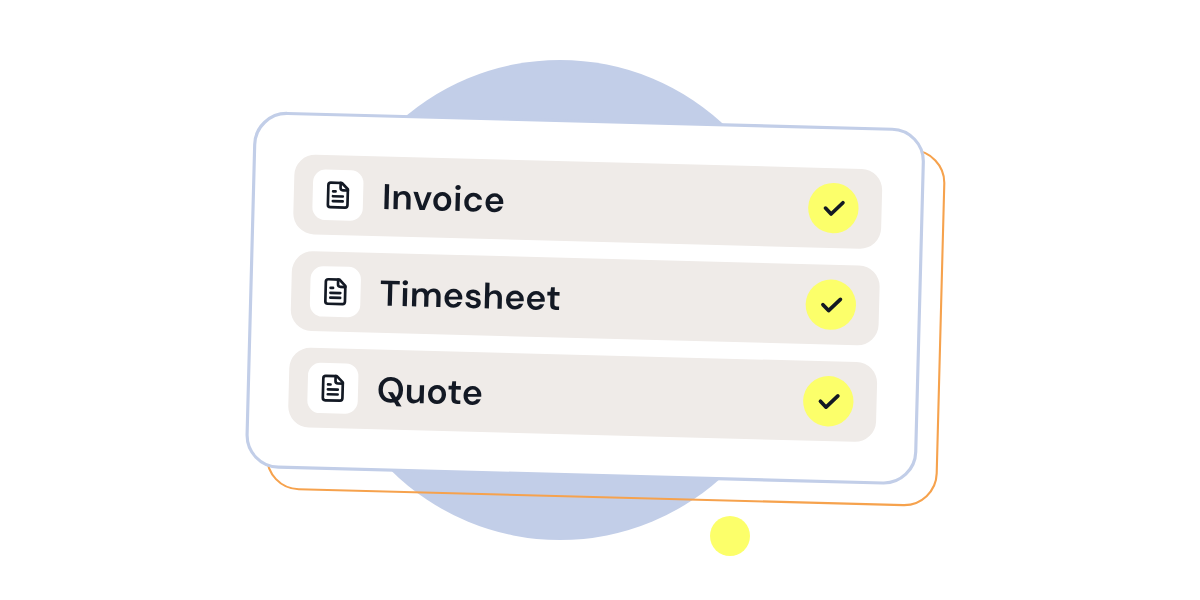
Every business has tasks that follow the same steps every time but still need a person to do them. Checking files, re-entering data, renaming and filing documents, chasing sign-offs. AI can do these steps in the background, inside the systems you already use.
Examples from our clients:
- Amplitude Energy: an AI agent checks dozens of balance sheet reconciliations each month, confirms the right people have signed off, ties balances back to SAP and reports issues in Teams. The finance team gets about a week back every month, and the sign-off decisions stay with them. Read the case study
- Unisol Solar & Electrical: we automated job pricing, bulk parts imports, emails and contractor job notes. The owner gets 1-2 hours a day back from admin. Read the case study
- Fortescue: one automation in the autonomous haulage fleet control team saves about 3 hours a day, with a near-zero error rate. Read the case study
Other ideas:
- Reading invoices and entering them into Xero or MYOB
- Turning email enquiries into CRM leads
- Downloading, renaming and filing documents between systems
Find out more about AI automation.
Generating reports and documents
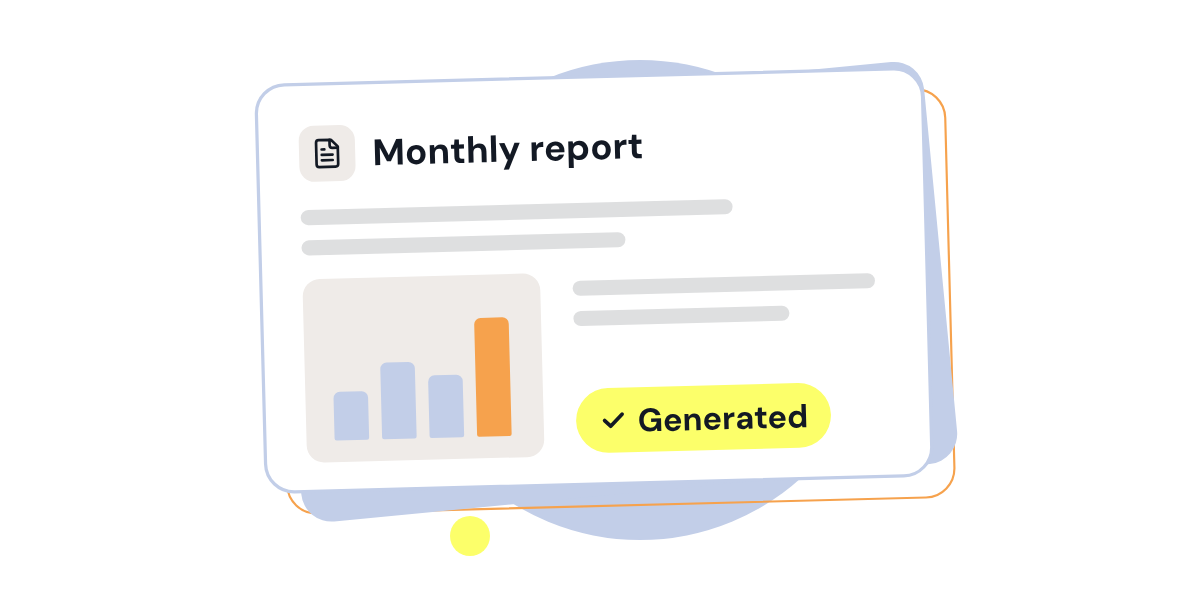
Writing reports by hand is slow, and every person does it a little differently. AI can pull information from your data and documents and produce a finished report in your format, ready for someone to review.
Examples from our clients:
- 3Lines: their AI compliance reviewer now reads handwritten notes and scanned forms. A review that used to take a consultant about 8 hours and cost $1,600 now takes about 10 minutes and around $5. A person still checks every result. Read the case study
- WA Aviation College: AI now produces a full set of compliant training documents for a unit (workbook, manual, trainer guide, presentation and mapping spreadsheet) in 10-15 minutes. It used to take days. Read the case study
- Curtin University ECG research: heart rhythm data is turned into a clinician-ready PDF report in minutes instead of hours. Everything runs offline, so no patient data leaves the network. Read the case study
Find out more about reporting agents.
Phone and SMS agents
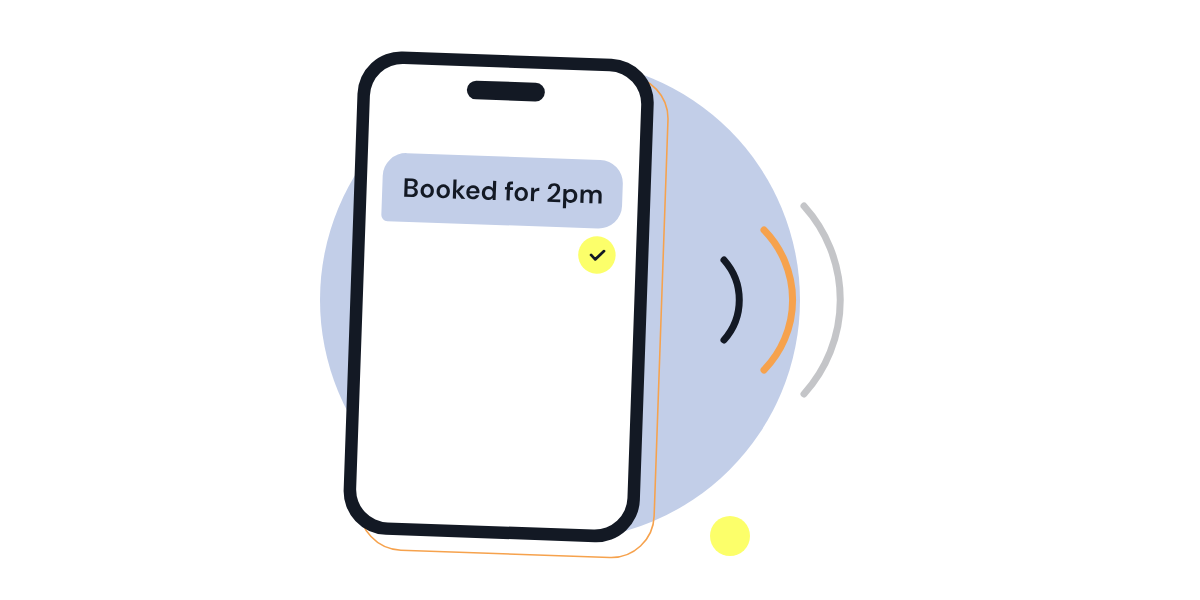
AI can now make and take phone calls and text messages. This is most useful for teams who work on site or in the field. Instead of calling the office or logging into a system, they make a quick call or send a text, and the information goes straight into your systems.
Examples from our clients:
- A WA home builder: site supervisors call an AI agent to give job updates while they walk the site. The agent understands building terms, logs the update against the right job and sends the team a daily summary.
- A WA bakery: staff text in their crate counts at the end of a run. AI logs each message and sends the office an up-to-date spreadsheet, so nobody has to chase the numbers.
Other ideas:
- Site photos sent by SMS are filed against the right job
- Routine inbound calls are handled, and anything unusual goes to a person
- Chasing missing information and logging the reply
Find out more about phone agents.
Monitoring with computer vision
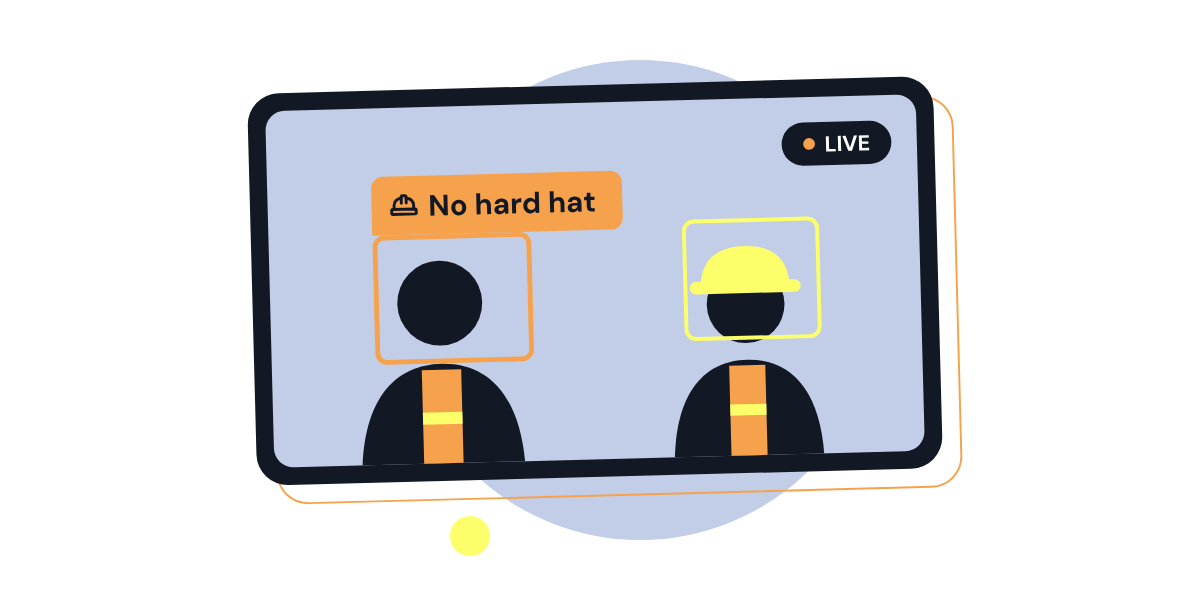
Computer vision uses cameras and AI to watch, count and read what happens in the real world. It gives you continuous data instead of occasional spot checks.
Examples from our clients:
- Makoto: they used to send people onto factory floors for days at a time to time tasks with a clipboard. Cameras now track every unit through the workshop and show where bottlenecks form, live. Everything runs on site, so no footage leaves the building. Read the case study
- A WA farm: cameras on a vehicle count plants as it drives down each row, replacing manual counts. We checked the system against weeks of hand counts before relying on it.
- Nutri app: users photograph a food label and the app reads the ingredients and checks them against their allergies and diet. Read the case study
Other ideas:
- Spotting defects on a production line
- Counting stock from camera feeds
- Checking PPE and safety compliance
- Reading gauges, labels or handwritten documents
Find out more about computer vision.
Custom software with AI built in
AI has made custom software faster and cheaper to build. More businesses are building their own tools instead of paying ongoing licence fees for products that only half fit. Often the existing system stays in place to hold the data, with a new, easier interface on top that staff and AI can both work with.
Examples from our clients:
- Coursebox: we rebuilt their AI course creation engine so that four specialised agents handle research, structure, content and quizzes. We also built AI tutors and avatar presenter videos. Coursebox closed a US$750K seed round with the new platform at its core. Read the case study
- SettleIQ: a contract review tool where conveyancers upload a sale-of-land contract, which can run to hundreds of pages, and get a first-pass review in seconds. Read the case study
- A WA home builder: an internal platform connected to their job management system and CRM. Staff can ask questions about any job, generate contract addenda, and create AI renders of a home from the client’s chosen finishes.
Find out more about custom AI development.
Choosing where to start
Start with the problem, not the technology. The best first projects usually have three things in common:
- The task is repetitive and follows roughly the same steps each time
- It involves a lot of reading, writing or moving information between systems
- You can measure how long it takes now
If something in your business fits that description, it’s worth a conversation.
See more examples in our case studies.